


Introduction
Why is my phone overheating? It’s a question many smartphone users ask after noticing their device becoming unusually warm during everyday use. Whether you’re streaming videos, playing games, charging the battery, or simply browsing social media, your phone naturally generates heat. A slight increase in temperature is completely normal. The concern begins when that warmth turns into excessive heat that affects performance, battery life, or even makes the device uncomfortable to hold.
An overheating phone isn’t just an inconvenience—it can be a sign that your device is working harder than it should. In some cases, it’s caused by demanding apps or environmental conditions. In others, it may point to aging hardware, battery problems, or software issues that deserve attention. Understanding the reasons behind overheating helps you protect your device, improve its lifespan, and avoid unnecessary repairs.
This guide explores the most common causes of phone overheating, practical ways to cool your device safely, and everyday habits that reduce the chances of heat becoming a recurring problem.
Why Your Phone Gets Hot During Everyday Use

Every smartphone is essentially a compact computer. Inside its slim body are a processor, battery, memory, display, and numerous electronic components working together constantly. As these components process information, they naturally produce heat. Under normal conditions, this warmth is harmless and usually goes unnoticed.
The processor is often the biggest source of heat. Every tap, swipe, photo, video, or downloaded file requires calculations. The more demanding the task, the harder the processor works. Activities like editing videos, using GPS navigation for extended periods, recording high-resolution footage, or running graphics-intensive games increase processor activity significantly, causing temperatures to rise.
Normal Heat vs. Overheating
Feeling slight warmth near the back of the phone or around the camera area is perfectly normal. This often happens while charging, downloading large files, or making video calls. Modern smartphones are designed to manage these temperature increases automatically.
Overheating is different. Warning signs include apps slowing down unexpectedly, the screen dimming automatically, charging becoming slower than usual, sudden shutdowns, or temperature warning messages appearing on the display. These protective measures help prevent permanent damage to internal components.
A phone that overheats regularly during light tasks deserves closer attention because it usually indicates an underlying issue rather than normal operation.
Common Reasons Your Phone Is Overheating
Several everyday situations can make your phone noticeably hotter than usual. While one cause may be responsible, multiple factors often combine to create excessive heat.
One of the biggest contributors is prolonged heavy usage. Hours of gaming, streaming HD videos, video conferencing, or recording long 4K videos keep both the processor and graphics chip under continuous load. Unlike desktop computers, smartphones have very limited cooling systems, so heat builds up faster.
Charging habits also play an important role. Fast charging technologies deliver more power in less time, which naturally produces additional heat. Using poor-quality charging cables or incompatible chargers can worsen the problem. Charging your phone under a pillow, blanket, or thick case further traps heat, preventing proper cooling.
Background Apps and Software Problems
Many people assume that once an app is closed, it stops using resources. That’s not always true. Some applications continue refreshing content, accessing location services, syncing files, or checking notifications in the background. When multiple apps do this simultaneously, processor usage increases continuously.
Software bugs can also create overheating. A poorly optimized app may consume excessive processing power without the user realizing it. Likewise, operating system glitches can cause background processes to run endlessly, placing unnecessary stress on the phone.
Keeping both your operating system and apps updated often resolves these hidden performance problems because developers regularly release fixes that improve efficiency.
Environmental Heat
Your surroundings matter more than many people realize. Leaving a phone inside a parked car on a sunny day, placing it on a dashboard during navigation, or using it under direct sunlight dramatically increases its temperature.
Unlike humans, phones cannot cool themselves by sweating. Once the surrounding air becomes hot, the device struggles to release internal heat efficiently. Even routine tasks become more demanding under these conditions.
Outdoor activities such as hiking, beach visits, or long drives often expose phones to sustained sunlight, making overheating much more likely.
How Battery Health and Charging Habits Affect Temperature
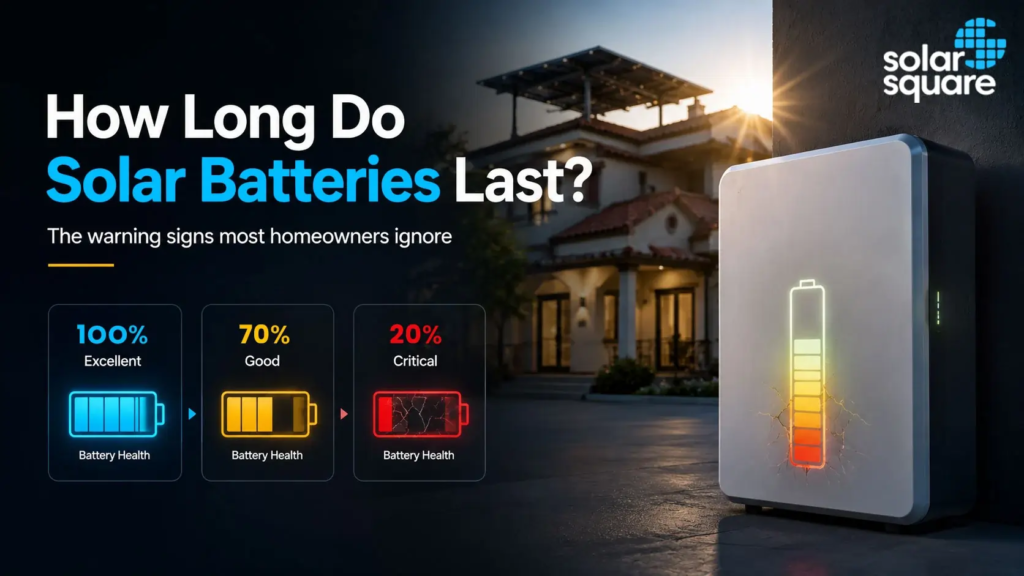
The battery is one of the most temperature-sensitive components inside any smartphone. Lithium-ion batteries work best within a moderate temperature range. As batteries age, their efficiency declines, and they may begin generating more heat during charging and regular use.
An older battery may no longer hold charge efficiently. Instead of storing energy properly, it wastes some of that energy as heat. This is one reason older phones often feel warmer than newer models performing the same tasks.
Charging Mistakes That Increase Heat
Charging while gaming or streaming videos is among the fastest ways to overheat a phone. The charger pushes energy into the battery while the processor simultaneously consumes large amounts of power. The combined workload significantly increases internal temperature.
Using uncertified accessories is another common mistake. Low-quality chargers may provide unstable voltage or current, forcing the battery management system to work harder. Although many phones include safety protections, consistently using poor charging accessories can contribute to excessive heat over time.
Wireless charging also deserves attention. While convenient, it generally produces more heat than wired charging because energy transfers through electromagnetic induction rather than direct electrical contact. Minor warmth is expected, but unusually high temperatures should not be ignored.
Protecting Battery Health
Simple charging habits can reduce heat considerably. Removing thick protective cases during charging allows better airflow. Charging on hard surfaces instead of beds or couches prevents heat from becoming trapped.
Avoid letting the battery drain completely every day. Frequent deep discharges and repeated full charges place more stress on lithium-ion batteries than moderate charging cycles.
Keeping your battery healthy doesn’t just reduce overheating—it also helps maintain longer battery life and more consistent overall performance.
Practical Ways to Cool Down an Overheating Phone Safely
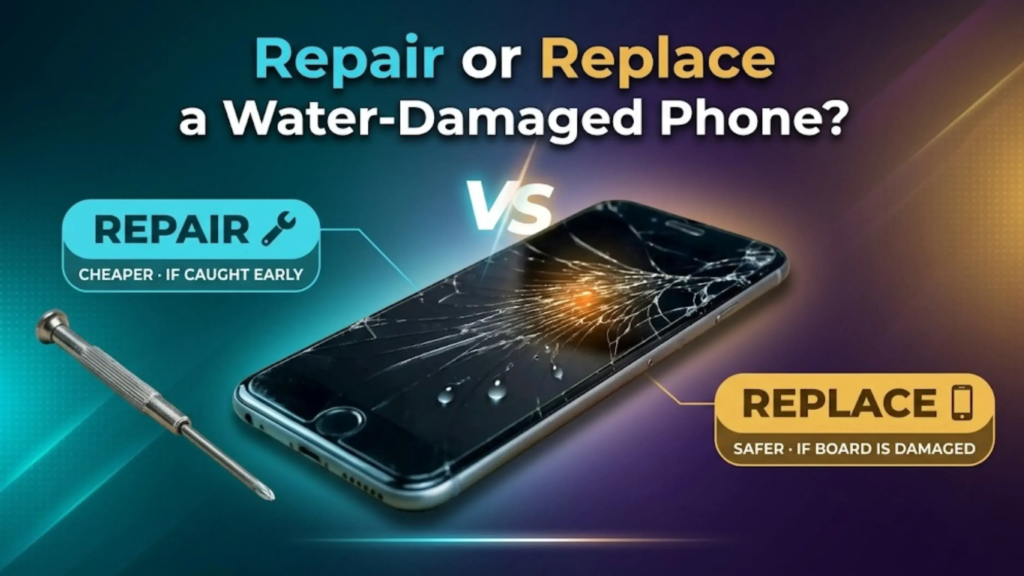
When a phone becomes unusually hot, quick action can prevent damage. The safest solution is usually the simplest: stop using it temporarily. Give the processor a chance to rest and allow internal temperatures to decrease naturally.
Move the phone into a cooler, shaded environment if it’s exposed to direct sunlight. Turning off demanding apps, reducing screen brightness, and disabling unnecessary wireless features like Bluetooth or hotspot mode can also help lower temperatures.
What You Should Never Do
Many people make the mistake of placing an overheating phone inside a refrigerator or freezer. This can cause condensation to form inside the device, potentially damaging sensitive electronic components. Rapid temperature changes are far more harmful than gradual cooling.
Avoid placing ice packs directly against the phone as well. Extreme cold may create moisture problems once the device warms back up.
Similarly, forcing the phone to continue charging while it’s already overheating can increase stress on both the battery and charging circuitry.
Easy Cooling Habits
If your phone overheats frequently, consider lowering display brightness, limiting background refresh for unused apps, and reducing unnecessary notifications that constantly wake the processor.
Restarting the device occasionally clears temporary software issues and background processes that may have accumulated over days of continuous operation.
If you notice one particular app consistently causing heat, checking for updates—or temporarily uninstalling it—can often solve the problem.
Keeping available storage space free also contributes to smoother performance. A nearly full phone may struggle with temporary files and system operations, indirectly increasing processor workload.
When Overheating Signals a Bigger Problem
Occasional warmth isn’t usually a reason to worry. Persistent overheating, however, may indicate hardware failure or battery deterioration that requires professional inspection.
If your phone becomes hot even while sitting idle, without active apps or charging, the issue may involve a defective battery, damaged charging circuit, failing processor, or internal electrical fault.
A swollen battery deserves immediate attention. If the back panel begins separating, the screen lifts slightly, or the device feels physically distorted, stop using it immediately. Continuing to charge or operate a phone with a swollen battery presents safety risks.
Signs You Should Seek Professional Help
Several warning signs suggest that simple troubleshooting may not be enough:
- The phone overheats every day despite minimal use.
- It shuts down unexpectedly because of temperature.
- Charging repeatedly stops due to heat warnings.
- Battery percentage drops unusually fast.
- Performance becomes dramatically slower after heating.
- You notice physical swelling or unusual odors.
- The phone becomes painfully hot to touch.
Professional technicians can test battery health, inspect charging components, and identify hardware faults that aren’t visible through normal troubleshooting.
Ignoring persistent overheating can shorten battery lifespan, reduce performance, and potentially damage internal components permanently.
Building Everyday Habits That Prevent Future Overheating

Preventing overheating is much easier than dealing with repeated temperature problems. Small daily habits often make a surprisingly large difference.
Start by being mindful of where you use and store your phone. Avoid leaving it inside hot vehicles or under direct sunlight whenever possible. During outdoor activities, keeping the device inside a shaded pocket or bag helps maintain safer operating temperatures.
Closing resource-intensive apps after use also reduces unnecessary processor activity. While modern operating systems manage memory efficiently, certain apps continue performing background tasks that consume both battery and processing power.
Keeping software updated is another valuable habit. Manufacturers frequently release performance improvements that reduce processor workload, improve battery management, and eliminate bugs responsible for excessive heating.
Pay attention to accessories as well. Thick cases provide excellent protection against drops but may trap heat during gaming, charging, or extended video recording. Removing the case temporarily during demanding activities can improve airflow.
Battery care deserves ongoing attention. Avoid exposing the phone to extremely hot or freezing environments, use reliable charging accessories, and unplug the charger once charging is complete if your device lacks advanced battery optimization features.
Finally, monitor your phone’s behavior over time. A gradual increase in operating temperature often develops slowly, making it easy to overlook until problems become severe. Recognizing changes early allows you to address small issues before they become expensive repairs.
Conclusion
Phone overheating is usually the result of increased processor activity, charging behavior, environmental conditions, or battery wear rather than a single dramatic fault. Most smartphones become warm during demanding tasks, and that’s perfectly normal. The key is recognizing the difference between expected warmth and excessive heat that affects performance or safety.
Simple adjustments—such as reducing heavy multitasking, avoiding direct sunlight, using quality charging accessories, updating software, and maintaining healthy battery habits—can significantly reduce overheating. When high temperatures become frequent despite these efforts, professional diagnosis is the safest course of action.
Understanding why your phone overheats allows you to make smarter everyday decisions that protect your device, preserve battery health, and extend its usable life. A cooler phone is generally a healthier phone, delivering better performance and greater reliability for years to come.
Frequently Asked Questions (FAQs)
1. Why is my phone overheating even when I’m not using it?
Background apps, software bugs, poor network signal, battery deterioration, or hardware issues can cause overheating even when the phone appears idle.
2. Is it normal for my phone to get hot while charging?
Yes. Some warmth is expected during charging, especially with fast charging. Excessive heat, however, may indicate charging problems or battery issues.
3. Can a phone case cause overheating?
Thick or poorly ventilated cases can trap heat during charging, gaming, or prolonged use, making the phone feel hotter.
4. Does playing games make my phone overheat?
Yes. Mobile games place heavy demands on the processor and graphics chip, causing increased heat generation during long sessions.
5. Why does my phone overheat in hot weather?
High outdoor temperatures reduce your phone’s ability to release heat, making even normal tasks generate higher operating temperatures.
6. Can overheating damage my battery?
Repeated exposure to high temperatures accelerates battery aging and may permanently reduce battery capacity over time.
7. Should I put my overheating phone in the refrigerator?
No. Sudden cooling can create condensation inside the device, potentially causing internal damage.
8. How can I cool my phone down quickly?
Stop demanding activities, move it to a shaded location, reduce screen brightness, remove the charger if connected, and allow it to cool naturally.
9. Can software updates fix overheating problems?
Yes. Many updates include bug fixes and performance improvements that reduce unnecessary processor activity and improve power management.
10. When should I replace my phone because of overheating?
If overheating continues despite software updates, careful charging habits, and reduced workload—or if you notice battery swelling or repeated shutdowns—it’s time to have the device inspected and consider battery replacement or upgrading the phone.
