

Introduction
Book Creator has transformed the way people produce digital books by making publishing accessible to virtually everyone. Whether you’re a classroom teacher developing interactive lessons, a student creating a multimedia project, an author planning a digital storybook, or a business professional designing training materials, the platform offers an intuitive environment where ideas quickly become polished publications.
Unlike traditional publishing software that often requires advanced design knowledge, Book Creator emphasizes creativity over complexity. Users can combine text, photographs, illustrations, voice recordings, videos, music, hyperlinks, and drawings into a single interactive book without spending weeks learning complicated software. The result is an engaging reading experience that feels dynamic rather than static.
As digital reading continues to grow across education, business, and personal publishing, understanding how Book Creator works—and how to use it effectively—can unlock exciting opportunities for communication, storytelling, and collaboration. This guide explores its features, practical applications, creative possibilities, and best practices for producing professional-quality digital books.
What Is Book Creator and Why Has It Become So Popular?
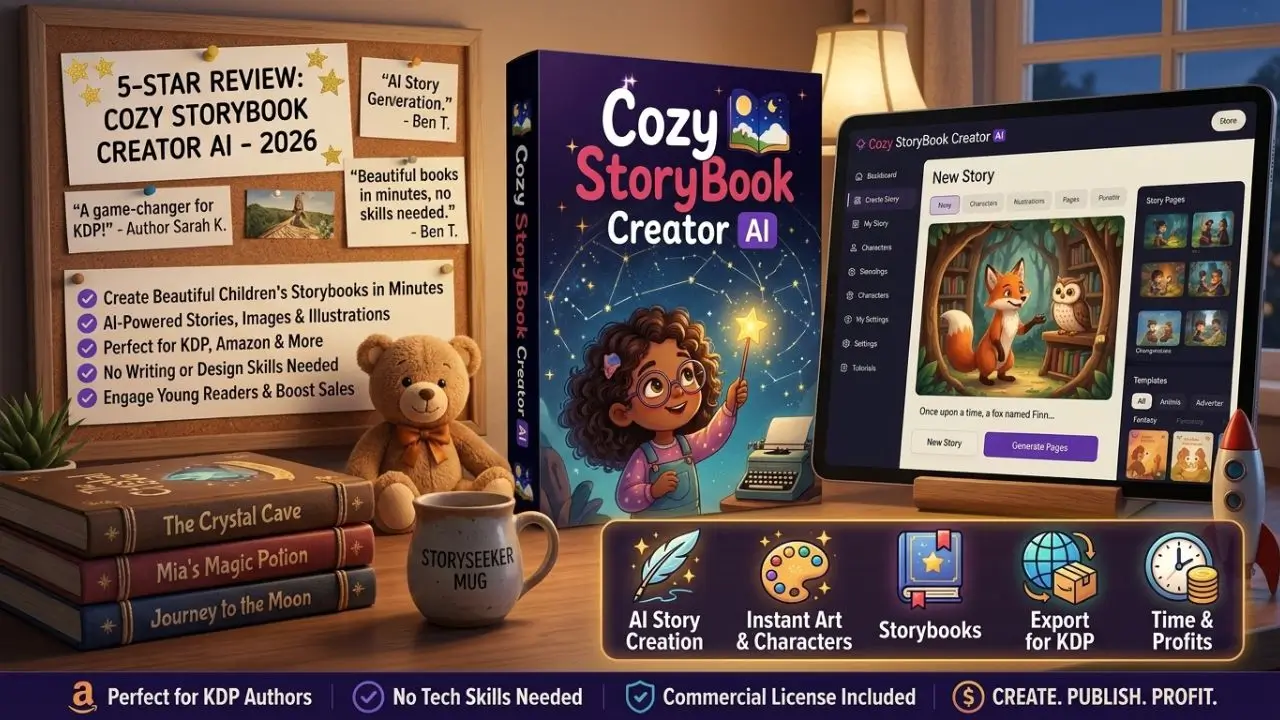
Book Creator is an online platform designed to simplify the creation of interactive digital books. Instead of relying solely on written text, creators can build multimedia experiences that combine visuals, narration, sound effects, video clips, and interactive elements into pages that readers can explore naturally. The platform supports users of different ages and technical backgrounds, making it suitable for beginners while still offering enough flexibility for experienced creators.
One reason for its popularity is the remarkably gentle learning curve. Many publishing tools require extensive formatting knowledge before users can produce attractive results. Book Creator removes much of that complexity by offering drag-and-drop editing, customizable layouts, and straightforward design controls. Users spend less time figuring out software and more time developing meaningful content.
Accessibility for Every Skill Level
A major strength of Book Creator is its inclusive approach. Young learners can easily create picture books with recorded narration, while teachers can develop interactive lesson materials that encourage participation. Writers benefit from an organized workspace where they can combine storytelling with multimedia, and organizations often use the platform to create digital manuals or training resources.
Accessibility also extends to readers. Interactive books can include audio support, helping emerging readers, language learners, or individuals who benefit from listening while reading. Visual elements and multimedia provide additional context, making complex ideas easier to understand.
Supporting Creative Expression
Traditional books rely heavily on written language. Book Creator expands the creative process by encouraging multiple forms of communication. A travel journal may include maps, recorded interviews, videos, and photo galleries. A science project can feature experiment footage alongside written observations. Children’s stories become richer through sound effects and character narration.
This freedom allows creators to match their content to their audience instead of limiting themselves to conventional publishing formats.
Key Features That Make Book Creator Stand Out
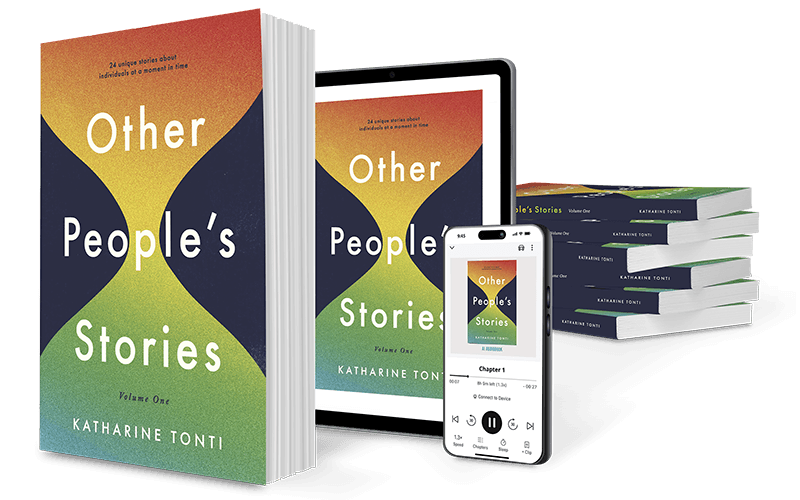
Book Creator includes numerous tools that simplify both design and storytelling. Rather than overwhelming users with technical options, it presents practical features that enhance creativity while maintaining an organized workflow.
The page editor allows users to arrange content visually, moving elements freely instead of following rigid document structures. This flexibility encourages experimentation and helps creators design books that feel engaging from beginning to end.
Multimedia Integration
One of Book Creator’s defining strengths is multimedia support. Users can include:
- Text formatting
- Images
- Original drawings
- Audio recordings
- Videos
- Hyperlinks
- Embedded media
- Icons and shapes
Instead of explaining everything through paragraphs, creators can demonstrate concepts visually or verbally. For example, a cooking guide becomes more useful when each recipe includes instructional videos and narrated tips. A language-learning book becomes interactive through pronunciation recordings and vocabulary demonstrations.
Multimedia also enhances emotional storytelling. Personal memoirs may include family interviews, historical photographs, or ambient sounds that deepen the reader’s experience.
Collaboration and Sharing
Book Creator encourages collaborative publishing by allowing multiple contributors to work on projects together. Students can jointly create class books, teams can develop internal documentation, and families can preserve memories in shared digital scrapbooks.
Completed books can often be shared digitally, allowing readers to access them across different devices without requiring physical printing. This flexibility supports remote learning, collaborative education, and global communication.
How Book Creator Is Used Across Different Fields

Although Book Creator gained considerable recognition in education, its usefulness extends far beyond classrooms. The platform adapts remarkably well to many industries and creative disciplines because its primary purpose is communication rather than simply publishing.
Professionals appreciate its ability to present information clearly, while creative users value the freedom to combine multiple forms of media into one cohesive experience.
Education
Teachers frequently use Book Creator to transform traditional assignments into engaging digital projects. Instead of writing standard reports, students can create interactive books that combine research, illustrations, narration, videos, and personal reflections.
Reading activities also become more engaging. Students can write their own stories, illustrate scenes, and record themselves reading aloud, helping develop literacy, creativity, and presentation skills simultaneously.
Teachers also produce instructional materials, digital workbooks, classroom portfolios, science journals, and collaborative anthologies that document learning throughout the academic year.
Business and Professional Training
Organizations increasingly use Book Creator for employee onboarding, instructional guides, and training manuals. Interactive content helps learners absorb information more effectively than plain documents filled with lengthy paragraphs.
Videos demonstrating procedures, voice explanations, diagrams, quizzes, and visual workflows create more engaging learning experiences. This approach is especially valuable when introducing new employees to company policies or operational processes.
Personal Projects
Families often use Book Creator to preserve memories in digital albums. Vacation journals, family history books, birthday collections, recipe books, and baby memory books become far more engaging when photographs are paired with recorded stories and personal reflections.
Independent authors also use the platform to experiment with children’s books, interactive storytelling, poetry collections, and multimedia portfolios.
Best Practices for Creating Engaging Books with Book Creator
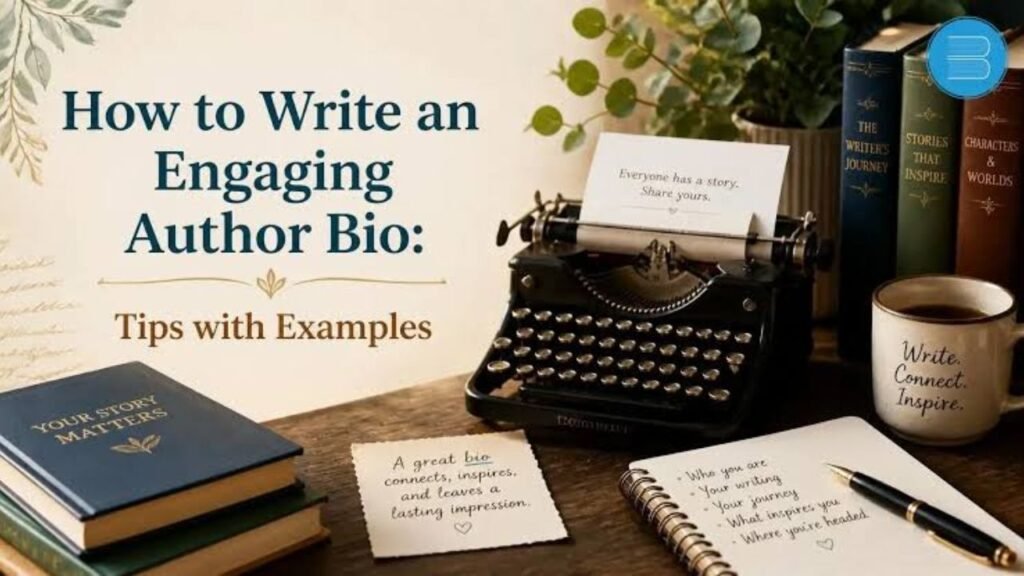
Creating a visually attractive book is only one part of the publishing process. Truly memorable digital books combine thoughtful organization, engaging storytelling, and purposeful multimedia that supports rather than distracts from the content.
Successful creators begin by identifying their audience before designing pages. A children’s picture book differs greatly from an employee training manual, even though both may use the same software.
Focus on Clear Structure
Every effective book benefits from logical organization. Readers appreciate clear chapter divisions, consistent formatting, readable typography, and predictable navigation.
Breaking information into manageable sections improves comprehension. Long blocks of uninterrupted text can overwhelm readers, while shorter paragraphs paired with relevant visuals maintain attention and improve readability.
Titles, headings, captions, and visual spacing guide readers naturally through the material without making the experience feel cluttered.
Use Multimedia with Purpose
Multimedia should enrich the content instead of merely decorating it. Every image, video, or audio recording should contribute something meaningful.
For example, narration helps struggling readers. Demonstration videos clarify difficult procedures. Interactive diagrams simplify technical explanations. Personal interviews add authenticity to historical projects.
Balancing text and multimedia prevents pages from becoming overcrowded while ensuring readers remain engaged throughout the book.
Consistent colors, fonts, and design choices also contribute to a polished, professional appearance that enhances the overall reading experience.
The Future of Digital Publishing with Book Creator

Digital publishing continues to evolve as readers expect more interactive experiences. Static pages are gradually giving way to content that responds to different learning styles, combines multiple media formats, and encourages active participation rather than passive reading.
Book Creator reflects this broader shift by making sophisticated publishing techniques available to ordinary users rather than limiting them to professional designers or software specialists.
As educational technology advances, interactive textbooks, multimedia portfolios, digital storytelling projects, and collaborative publications are likely to become even more common. Platforms like Book Creator help bridge traditional publishing with modern communication by giving creators practical tools without unnecessary complexity.
Artificial intelligence, accessibility improvements, cloud collaboration, and richer multimedia integration may further expand what creators can accomplish in future editions. Even as technology changes, the central goal remains the same: helping people communicate ideas in ways that are engaging, understandable, and memorable.
Perhaps the greatest strength of Book Creator lies in its flexibility. It supports creativity without imposing rigid rules, making it suitable for educators, authors, businesses, students, families, and lifelong learners alike. Whether someone wants to tell a personal story or produce a professional educational resource, the platform provides a welcoming starting point for meaningful digital publishing.
Conclusion
Book Creator has redefined what it means to create a book by blending traditional storytelling with modern multimedia. Instead of limiting creators to printed pages filled only with text, it enables the seamless integration of audio, video, illustrations, photographs, drawings, and interactive elements that enrich the reading experience.
Its intuitive interface lowers technical barriers while still providing enough creative freedom for sophisticated projects. From classrooms and corporate training programs to family memory books and independent publishing, the platform adapts to an impressive range of needs. Users can collaborate easily, organize ideas effectively, and publish engaging content that resonates with diverse audiences.
The true value of Book Creator extends beyond its features. It encourages creativity, supports accessibility, and empowers individuals to communicate ideas in ways that feel vivid, personal, and engaging. As digital publishing continues to expand, Book Creator remains an excellent choice for anyone looking to transform knowledge, imagination, and experience into interactive books that readers genuinely enjoy exploring.
FAQs
1. What is Book Creator used for?
Book Creator is used to create interactive digital books that can include text, images, audio, videos, drawings, and other multimedia elements for education, storytelling, business, and personal projects.
2. Is Book Creator suitable for beginners?
Yes. Its user-friendly interface is designed for people with little or no publishing experience, making it accessible to users of all ages.
3. Can multiple people work on the same Book Creator project?
Yes. Collaboration features allow multiple contributors to create, edit, and improve books together, making it useful for classrooms and teams.
4. Can I add audio and video to my books?
Yes. Users can insert voice recordings, music, videos, and other multimedia content to create more engaging reading experiences.
5. Is Book Creator only for schools?
No. While it is widely used in education, it is also valuable for businesses, authors, nonprofits, families, and individual creators.
6. Can books created with Book Creator be shared digitally?
Yes. Completed books can typically be shared electronically, making them easy to distribute and access across different devices.
7. What types of books can be created?
Users can create children’s books, training manuals, portfolios, journals, recipe books, travel diaries, instructional guides, digital scrapbooks, and much more.
8. Does Book Creator support accessibility features?
Yes. Features such as audio narration and multimedia content can improve accessibility for diverse readers and learners.
9. What makes Book Creator different from traditional publishing software?
Its emphasis on simplicity, multimedia integration, collaboration, and ease of use makes it more approachable than many traditional publishing tools.
10. Who can benefit the most from Book Creator?
Teachers, students, authors, trainers, business professionals, families, and creative individuals can all benefit from using Book Creator to produce engaging digital publications.
